Craftvoro® Purple Unicorn LCD Drawing Tablet for Kids | Reusable Colorful Doodle Board
Craftvoro® Purple Unicorn LCD Drawing Tablet for Kids | Reusable Colorful Doodle Board
Couldn't load pickup availability

Craftvoro® Purple Unicorn LCD Drawing Tablet for Kids | Reusable Colorful Doodle Board
-
Ordered
- - -
Order Ready
- - -
Delivered
A little imagination, ready whenever they are.
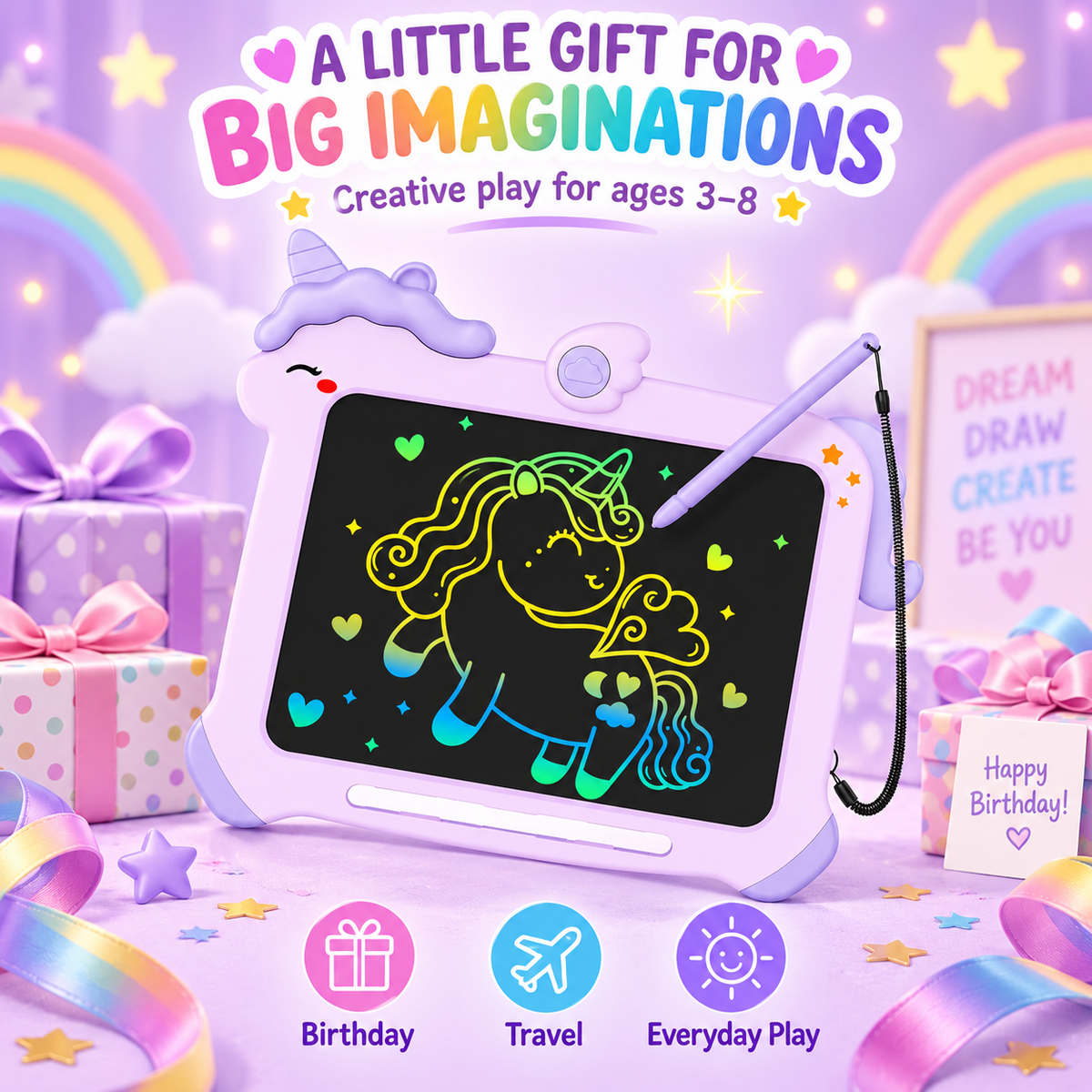
Turn everyday moments into drawing time with this purple unicorn LCD writing tablet. Kids can use the included stylus to make colorful lines, practice letters, sketch pictures, and start over with a press of the erase button. Its unicorn-shaped frame makes it a playful choice for creative time at home or on the go.
Why kids love it
- Colorful drawing: Create multicolor lines on the black writing surface.
- Draw, erase, repeat: Clear the screen with the erase button and begin a new picture.
- Help protect a work in progress: Use the lock function to help prevent an accidental erase.
- Stylus within reach: The pen is attached by a coiled cord, with a storage slot along the bottom of the frame.
- Distinctive unicorn design: A lavender frame, purple mane and horn make the board easy to spot among their toys.
How to use
- Draw or write on the screen with the included stylus.
- Use the lock function when your child wants to keep the current drawing on screen.
- Unlock, then press erase when it is time for a fresh canvas.
What’s included
One purple unicorn LCD drawing tablet and its attached stylus per board purchased.
FAQ
Q1: Does the screen show different colors when my child draws?
A: Yes. The LCD writing surface creates colorful lines as your child draws with the stylus. It is a writing screen, not a backlit tablet display.
Q2: How do you erase a drawing?
A: Unlock the board if needed, then press the erase button to clear the screen and start a new drawing.
Q3: What does the lock function do?
A: It helps prevent the current drawing from being erased accidentally. It does not save the drawing as a digital file.
Q4: Is the stylus included?
A: Yes. Each board comes with a stylus attached by a coiled cord. The frame also has a slot for storing the pen.
Q5: Can children use it for writing practice as well as drawing?
A: Yes. Children can use the stylus to practice letters, numbers, shapes, and freehand sketches.
Q6: Does it need paper, ink, or charging?
A: It does not use paper or ink. The listing shows a battery compartment; check your actual stock or packaging for the battery type and whether a battery is included before adding that detail to your store.